
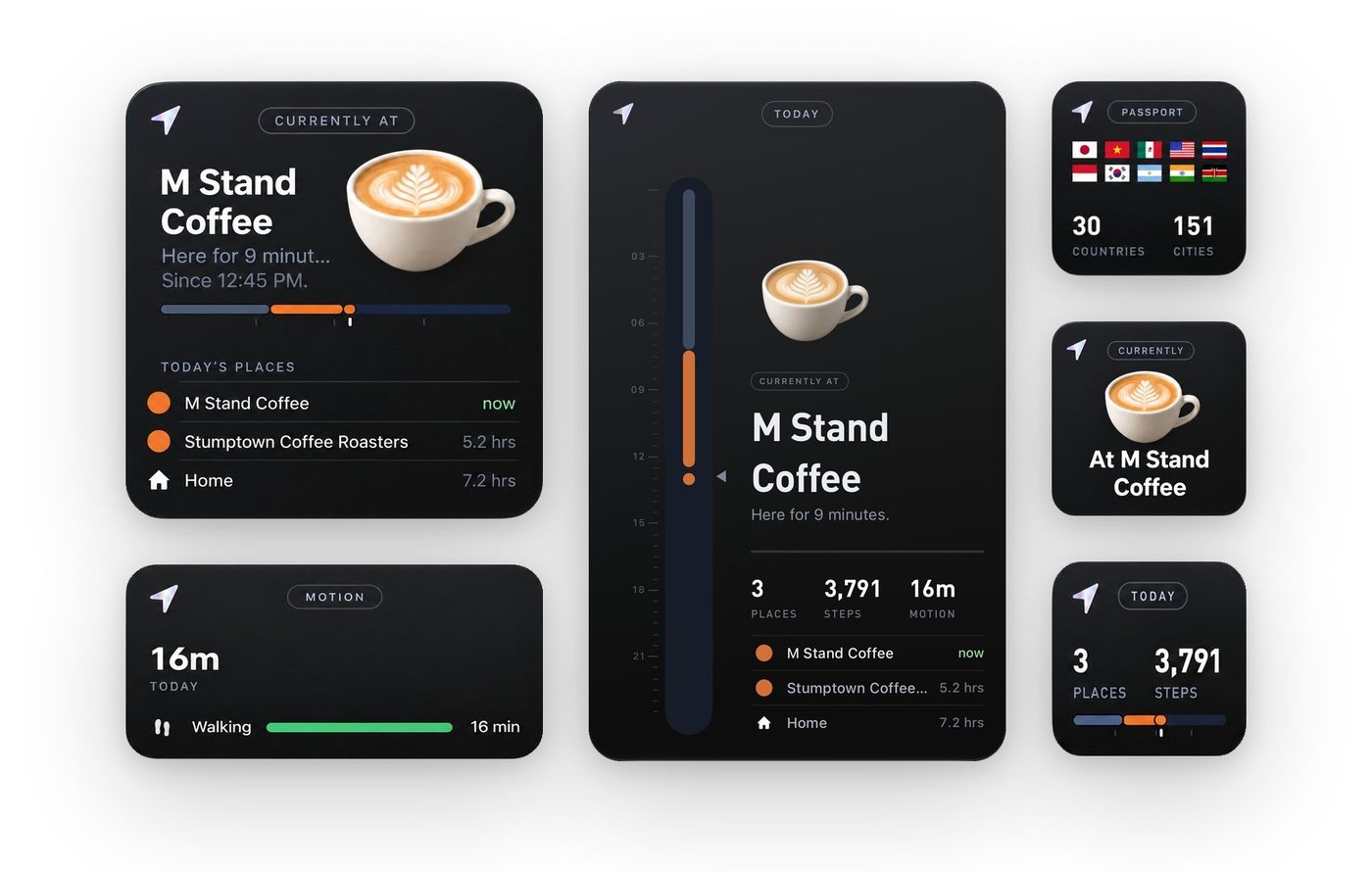
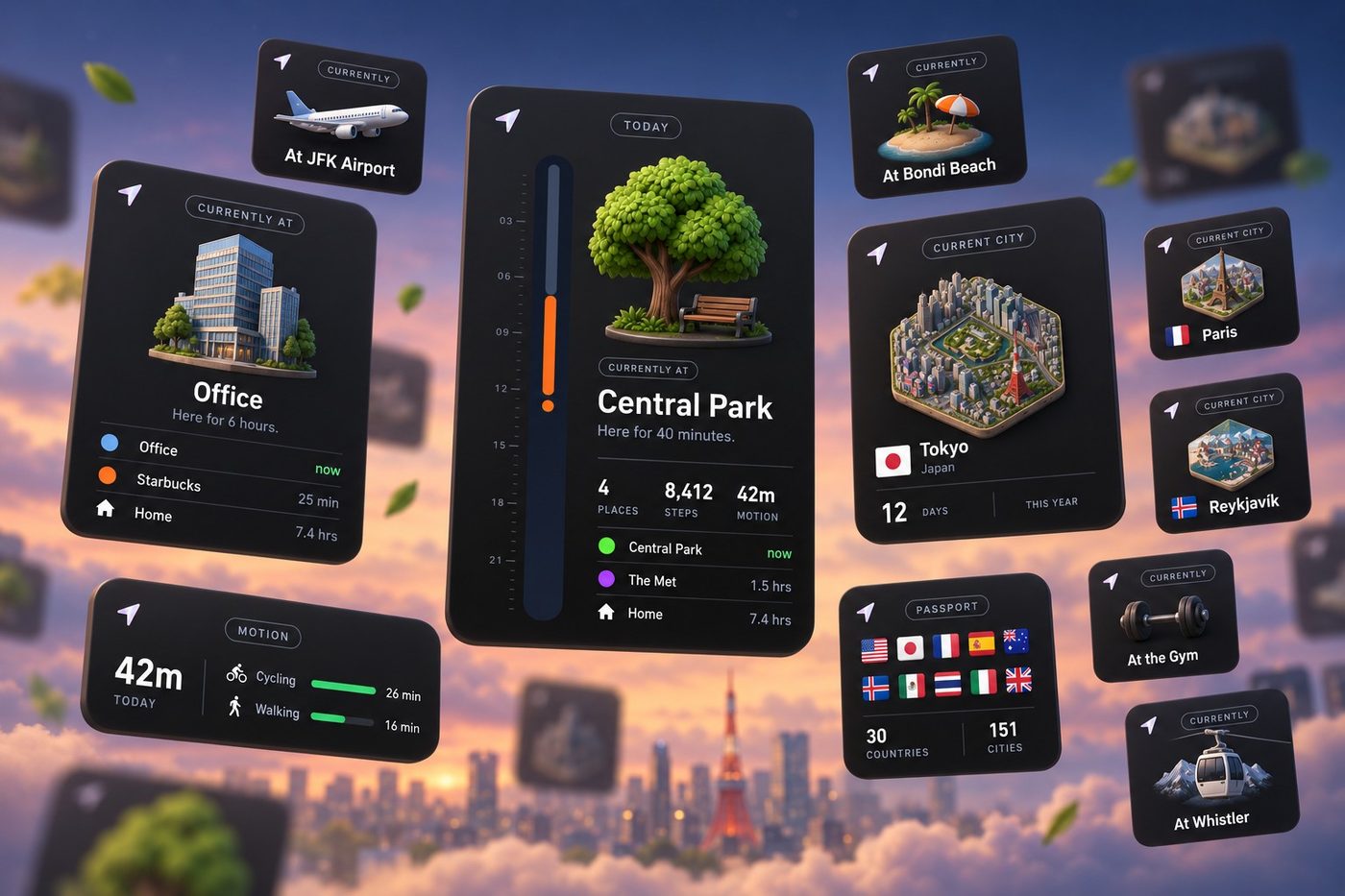
The new Places update is now available in the App Store, and it puts your places on your Home Screen.
It’s the first big update since Places launched in September. There are new widgets, a smarter chat, and a lot of polish across maps, travel and tracking.
In this update:
- New widgets for your Home Screen, including an extra large Today widget
- A smarter, more reliable chat in the Search tab
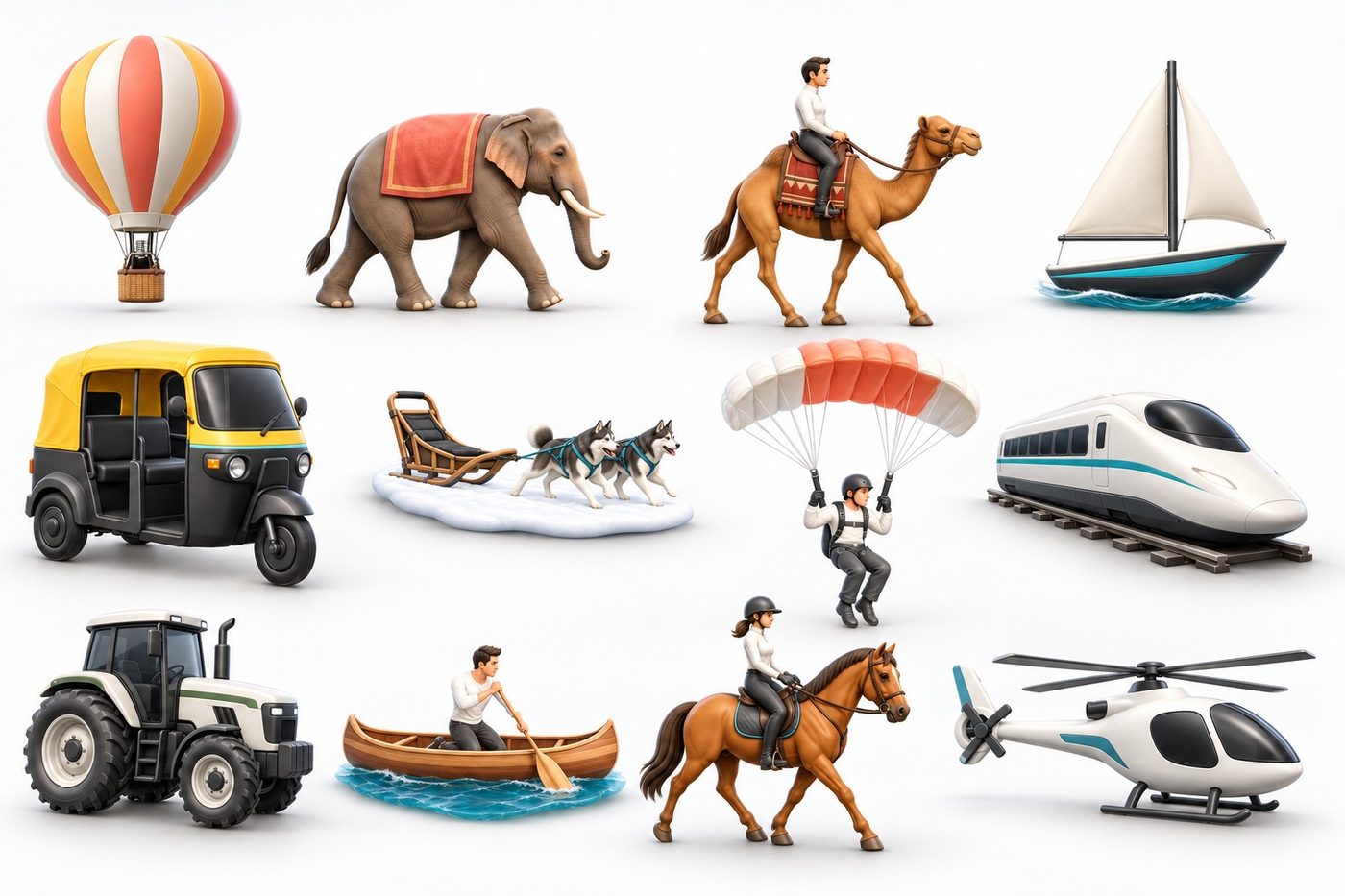
- New travel types, from tractor to elephant
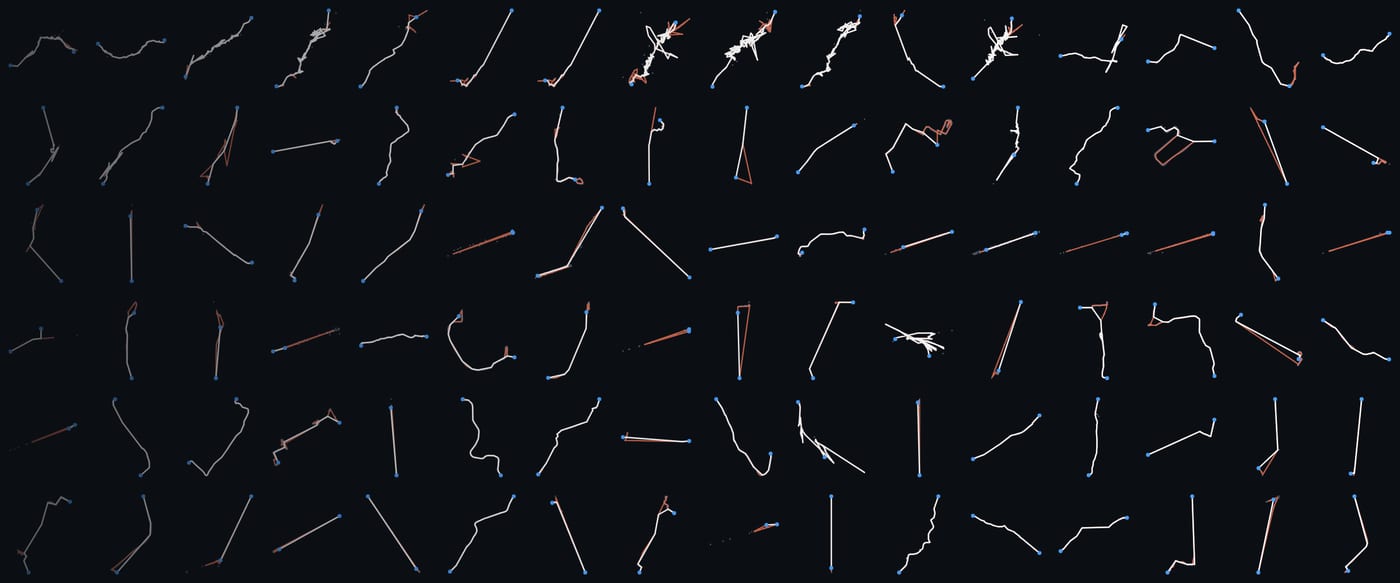
- Smoother train and subway lines on your maps
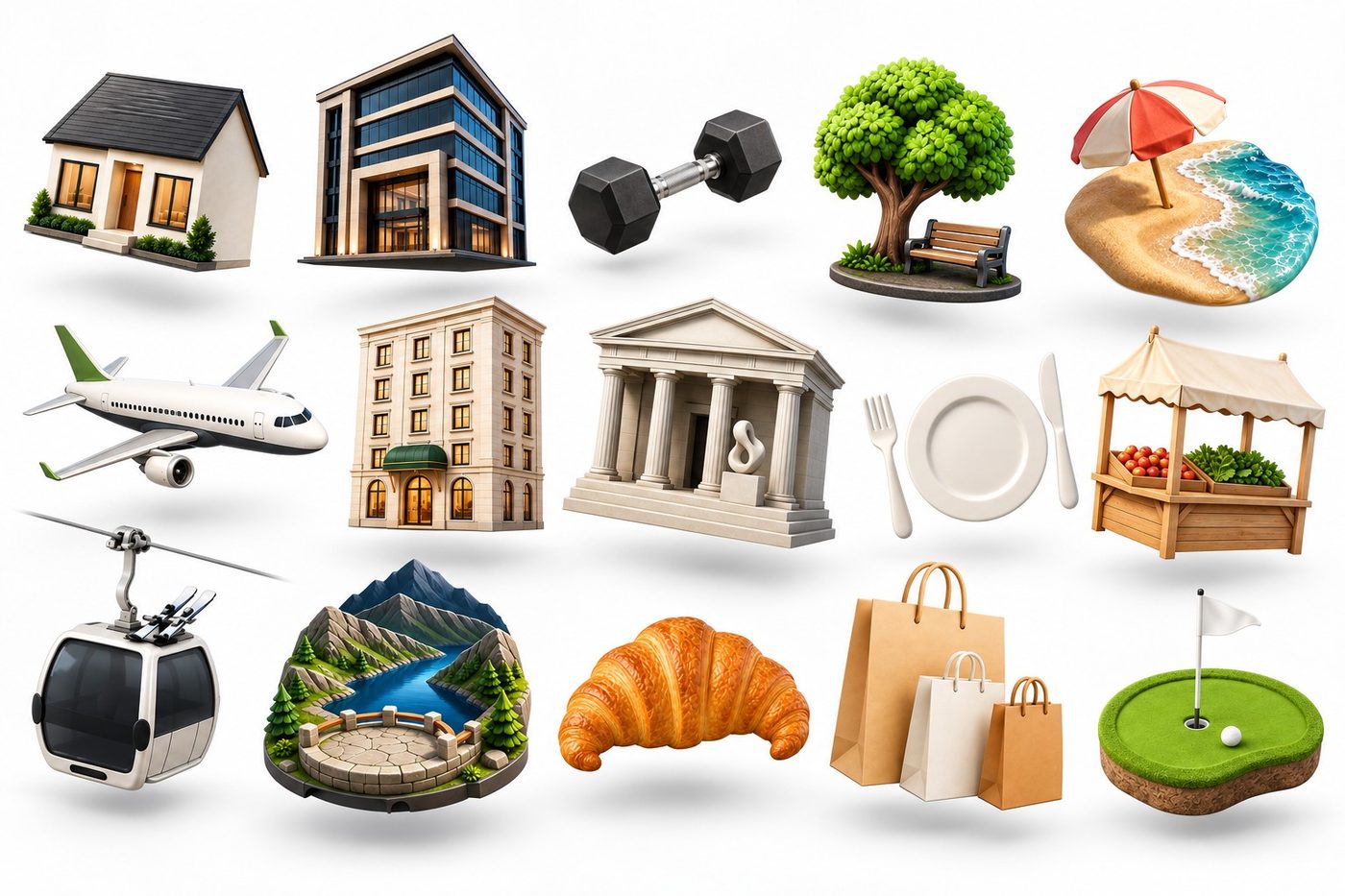
- Updated icons for gyms, malls and hundreds of common places
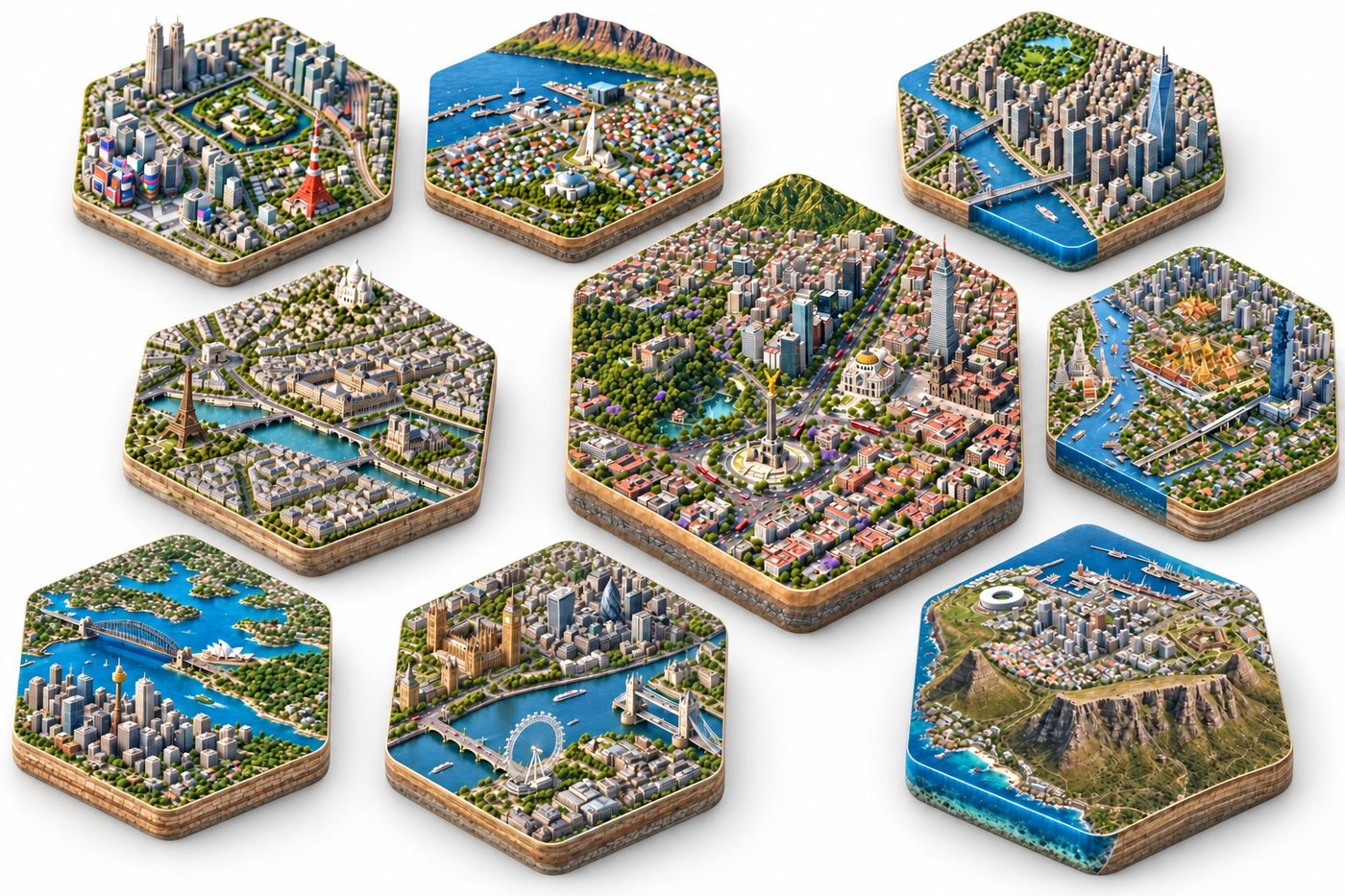
- New map styles, from trail and terrain maps to 3D cities
- Updated names for cities and regions that have been renamed
- Plus tracking, units, fitness and more
New widgets for your Home Screen
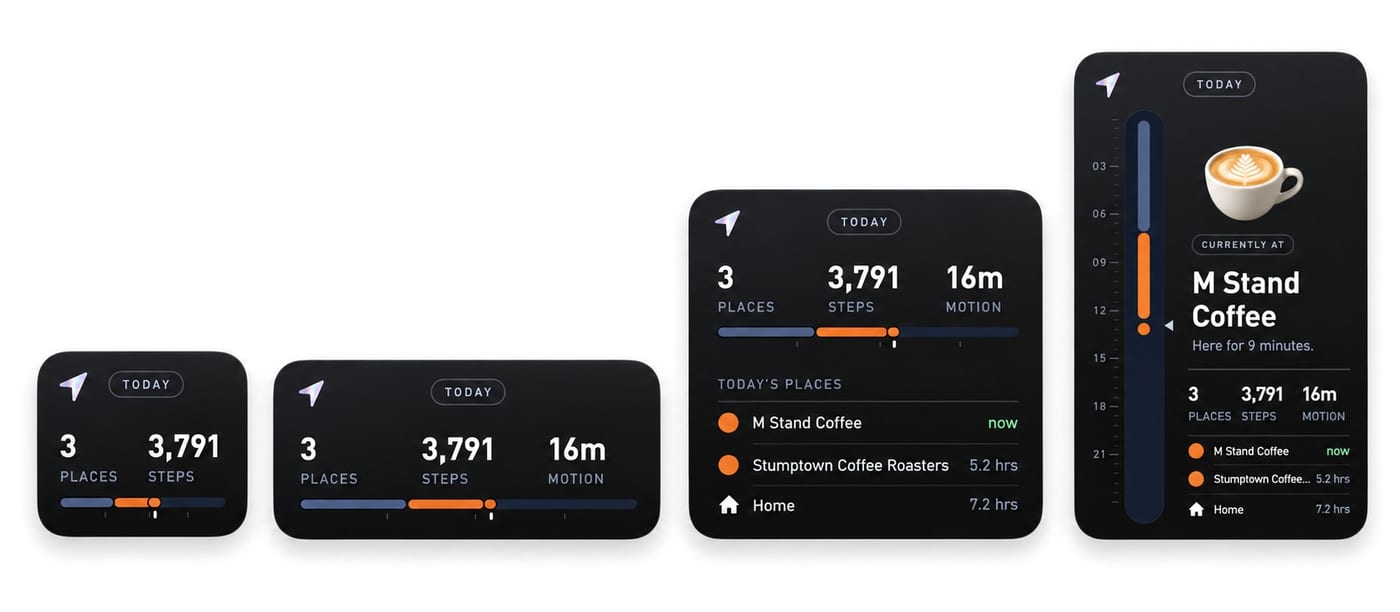
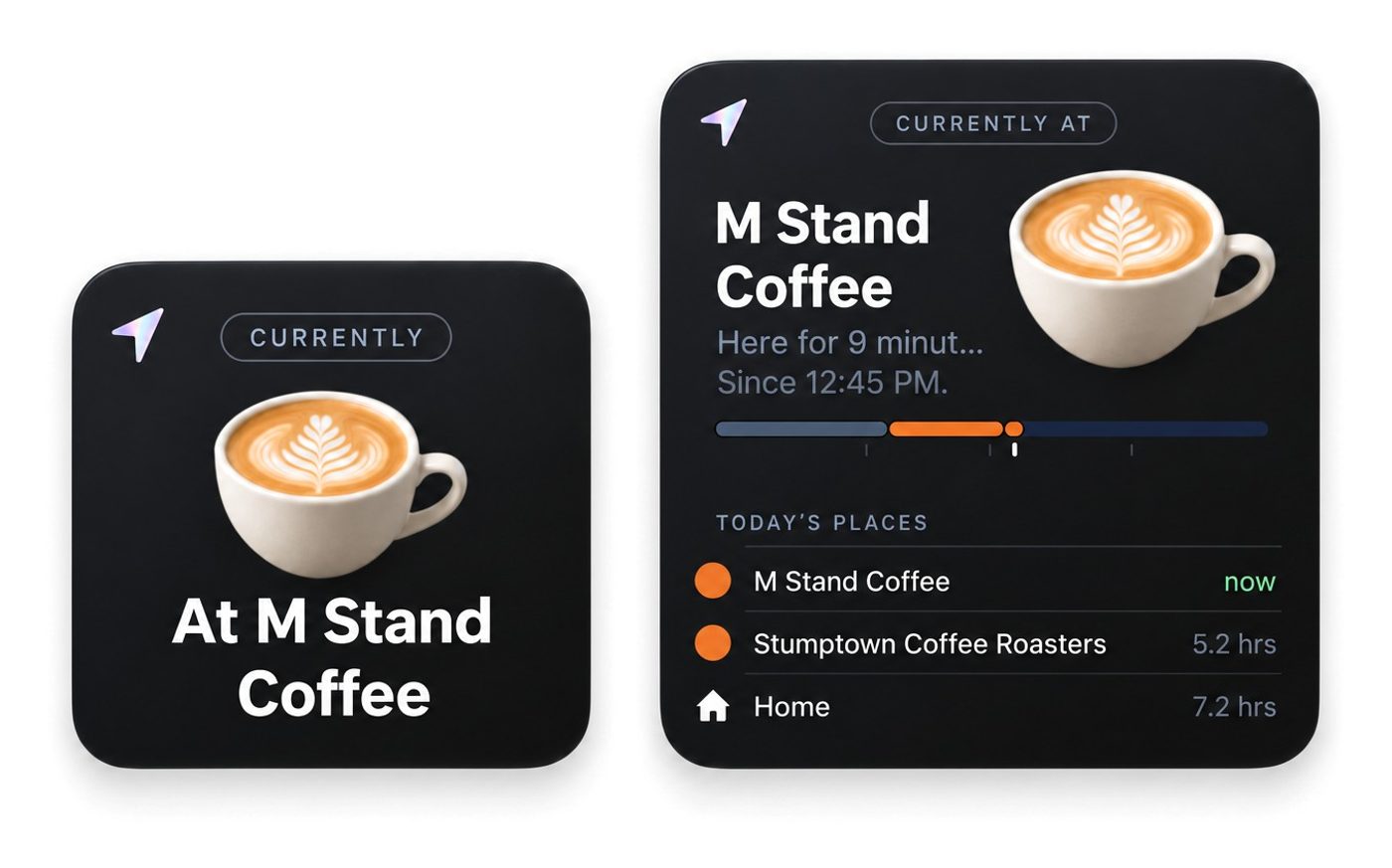
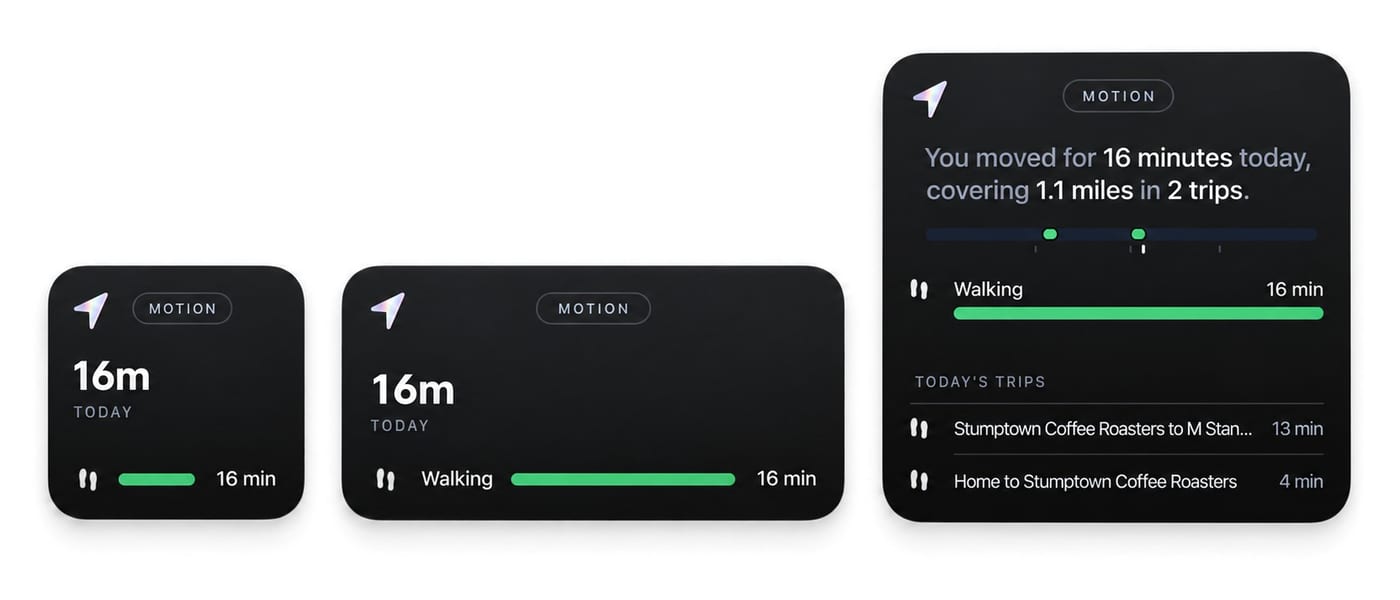
This update brings new customizable widgets, so you can see your latest places and highlights right on your homescreen. We’ve optimized the design to be compatible with dark mode, clear mode, and fully adjustable sizing.
For members on iOS27, we’ve added a new extra large Today widget that shows the entire day’s timeline.
A smarter, more reliable chat
The chat in the Search tab got a big round of work this release, so it works more reliably for more types of tasks. When a question needs a few steps, it can now use multiple tools or search different parts of your history until it has a more accurate answer.
Searching for places in history is a lot more flexible. Accent marks and alternate spellings now get picked up better, so Zurich, Zürich and Zuerich can all find the same city.
You can also identify new places directly from the chat.
“As a travel enthusiast I really enjoy this feature, and even when not traveling to any exotic location I just like keeping track of where I’ve been every day.”
New travel types
In V1.2, we’re introducing many new custom travel types to accurately capture your entire life and all the different travel types someone could use—especially more rare and special ones.
Now you can track when you are working on a farm with your tractor or ATV, capture a special journey with camel or elephant or dog sled, sail across the seas in a sailboat, or even jump out of a plane with skydiving.
A few more new additions:
- Around town: bullet train, tuk-tuk, scooter and e-bike
- On the water: kayak, jet ski, ferry and houseboat
- In the air: helicopter, paragliding and hot air balloon
- In the snow: skiing, snowmobile and snowshoes
- Off the road: horse, dirt bike and dune buggy
These types are not automatically detected (yet) but you can manually tag them. Tap any trip to change its type or open its map, and set a default travel type for the trips Places isn’t sure about.
You can access the new types from your travel page. The button at the bottom will show more options.
Smoother train and subway lines
For cars and driving, the routes were usually already really good. You can see the sky almost all the time, and the GPS signal is stronger. Other types of travel are much harder. On a train, and especially in the subway, the location quality is more limited, and false positives and jumps make it harder to draw the same clean line.
So now, with AI, we’ve built new algorithms and systems to optimize these routes. Train and subway lines used to end in a messy tangle around the station. Now they pull cleanly into the platform and follow the route you actually rode.
Walks and runs stay exactly as you recorded them, and your saved trips never change. The cleanup happens when the map is drawn, so your older train rides in Places look better too, as soon as you update.
If you’re curious how it works, we wrote up the whole story.
Updated icons for your places
Every place category now uses one consistent icon everywhere in the app, with new ones for gyms, malls and hundreds of common places. Place and visit pages show a large 3D illustration of the category.
“Love the ability to track my location without sacrificing my privacy to Facebook and Google.”
New map styles
The full-screen map has a new style picker, the globe button, with a small hand-drawn preview of each style. There are new trail and terrain maps optimized for mountains, with contour lines and elevation shading. The 3D city styles highlight real buildings and architecture, and tilt and zoom in when you pick them. Plus a few more fun and stylized options, like Blueprint, and Sketch, which draws your streets in pencil on paper.
- Flat: Dark, Ink, Mono and Daylight
- 3D city: Dusk, Midnight and Dawn
- Earth: Satellite, Terrain, Relief and Trails
- Creative: Blueprint, Wild, Parchment and Sketch
Your preferences are now saved, so you can build your life map the way you want it. The map remembers the last style you picked, and your share images use it too. Dark stays free for everyone, and the other styles are part of Places Unlimited.
Updated names for cities and regions
Cities get renamed, regions merge, and countries adopt new official names, but the address saved with a place is often years old. We brought the city, region and country names of every place saved in Places up to date: Distrito Federal to Ciudad de México, Nur-Sultan to Astana, Orissa to Odisha, Swaziland to Eswatini, Macedonia to North Macedonia, France’s 2016 regions and more. These were automatically updated, so you don’t need to do anything and should see the correct spellings in your passport automatically.
Also new in this update
- More customization over tracking settings: between Battery or Accuracy optimized. Battery-optimized setting uses even less GPS or resources, while accuracy-focused is now a bit more aggressive to catch shorter stops.
- Tracking follows how you’re moving, and automatically switches to a lighter schedule when your battery runs lower or Low Power Mode is on. This means that for maximum detail you should keep your phone charged. The app will intentionally reduce background tracking and avoid checking GPS when battery is low.
- More settings to curate your custom places, including customizations for the exact city a place is in (especially if it is right at the border).
- You can customize units from miles or kilometers in settings
- Fitness now shows your workouts by type, with strength training differentiated from dozens of other types
- Improvements for golf detection and time in nature, which have larger place sizes
- Your timeline refreshes the last few days when you open the app, so your latest info shows up more quickly without needing to do a pull-to-refresh. You can still always pull-to-refresh to reload.
- More options on the Recalculate view to adjust a day’s tracking
- Many other bug fixes and improvements
Ready to download
The V1.2 update is available for download in the App Store. Give it a try, and if you’re liking the app please post a review!
Point your iPhone camera here to download