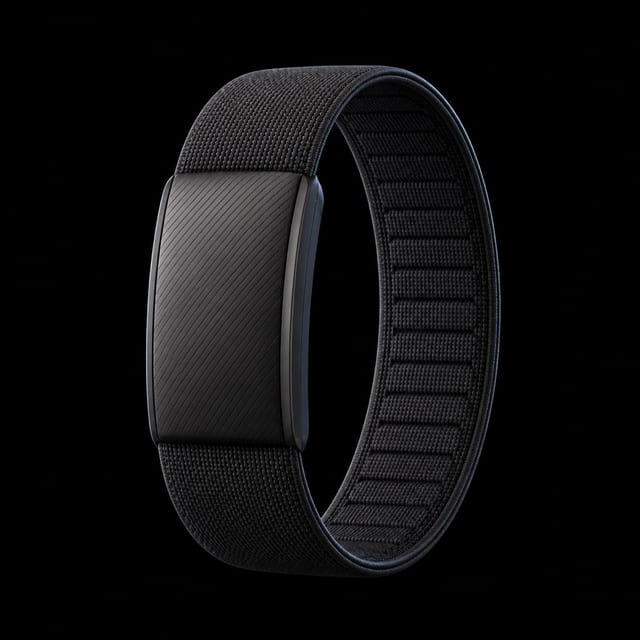
Can you wear Whoop and Oura at the same time?
Short answer
Yes, you can wear WHOOP and Oura at the same time. Each device records through its own hardware and app, so neither device needs the other to operate. The main setup task is choosing which source should own overlapping steps, workouts, and sleep records in your shared health apps.
Wear each device as its maker directs
Oura recommends a snug ring on your index finger, with the middle or ring finger also supported. WHOOP recommends a snug wrist fit, while supported arm and body placements are available for compatible hardware.
| Setup | Oura | WHOOP |
|---|---|---|
| Usual placement | Snug on a supported finger. | Snug on the wrist, or in a supported alternate placement. |
| Primary app summary | Sleep, Readiness, and Activity views. | Sleep, Recovery, and Strain views. |
| Shared data risk | Can overlap with another source in Apple Health. | Can overlap with another source in Apple Health. |
See the current manufacturer guidance for Oura fit and wearing WHOOP.
Stop duplicate steps and workouts
If both apps write the same category to Apple Health, choose a source instead of adding both totals. For steps, open Health, Browse, Activity, Steps, Data Sources & Access, then Edit. Move your preferred source higher or turn off step writing for the source you do not want.
Oura documents that workflow in its Apple Health integration guide. Apply the same source-first reasoning to workouts and sleep when two apps describe the same event.
Compare trends, not matching scores
Use the pair to inspect whether sleep timing, resting heart rate, HRV, and recorded activity move in similar directions. Do not expect Oura Readiness and WHOOP Recovery to match, because they are separate products with different inputs and scoring rules.
When a value looks wrong, check the source, timestamp, and completeness of the underlying session before deciding that one device is correct.
How Gyroscope does it
Gyroscope connects to Oura directly, while WHOOP data reaches Gyroscope through Apple Health sync. WHOOP is not presented as a native Gyroscope connection.
Gyroscope merges every source onto one timeline and deduplicates overlapping records against your primary device. That lets you keep both wearables active without treating two records of the same event as two separate events.