
Everything Places records is private to your account. Your history is stored in your Gyroscope account, and nobody else can see any of it until you choose to share something. The privacy guide explains where your data is stored and which outside services touch it.
When you want to share, there are two ways. You can add friends in the app to see each other’s profiles and the leaderboard. Or you can turn a trip, a day, a city, a single place or your whole passport into a card for anyone.
Sharing where you have been is fun, and a few habits keep it safe. This guide covers how to make a card, what it shows, what to think about before you post and how links work.
Making a share card
Tap Share on any of those screens, choose a square or tall card, then save it to Photos or send it straight to Messages, Instagram, X or email.
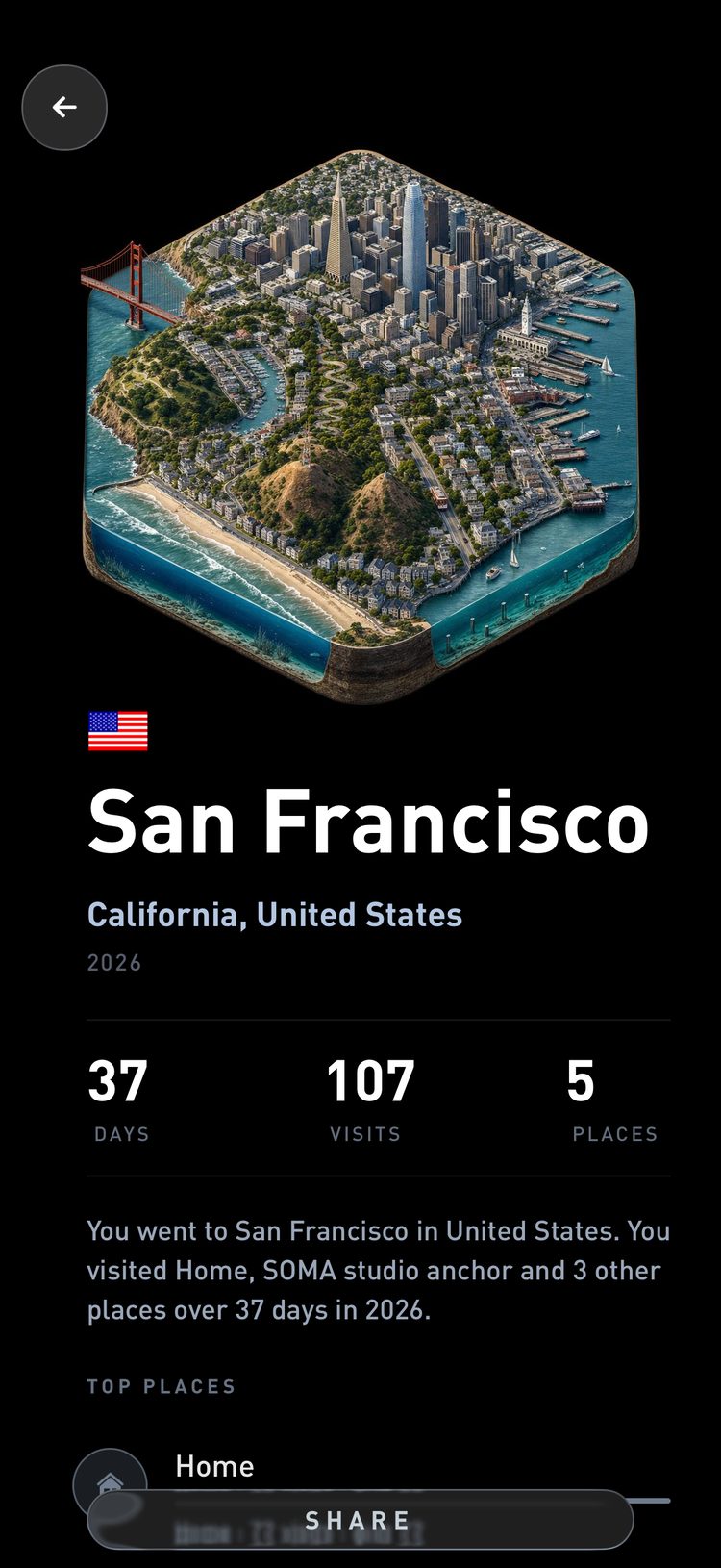
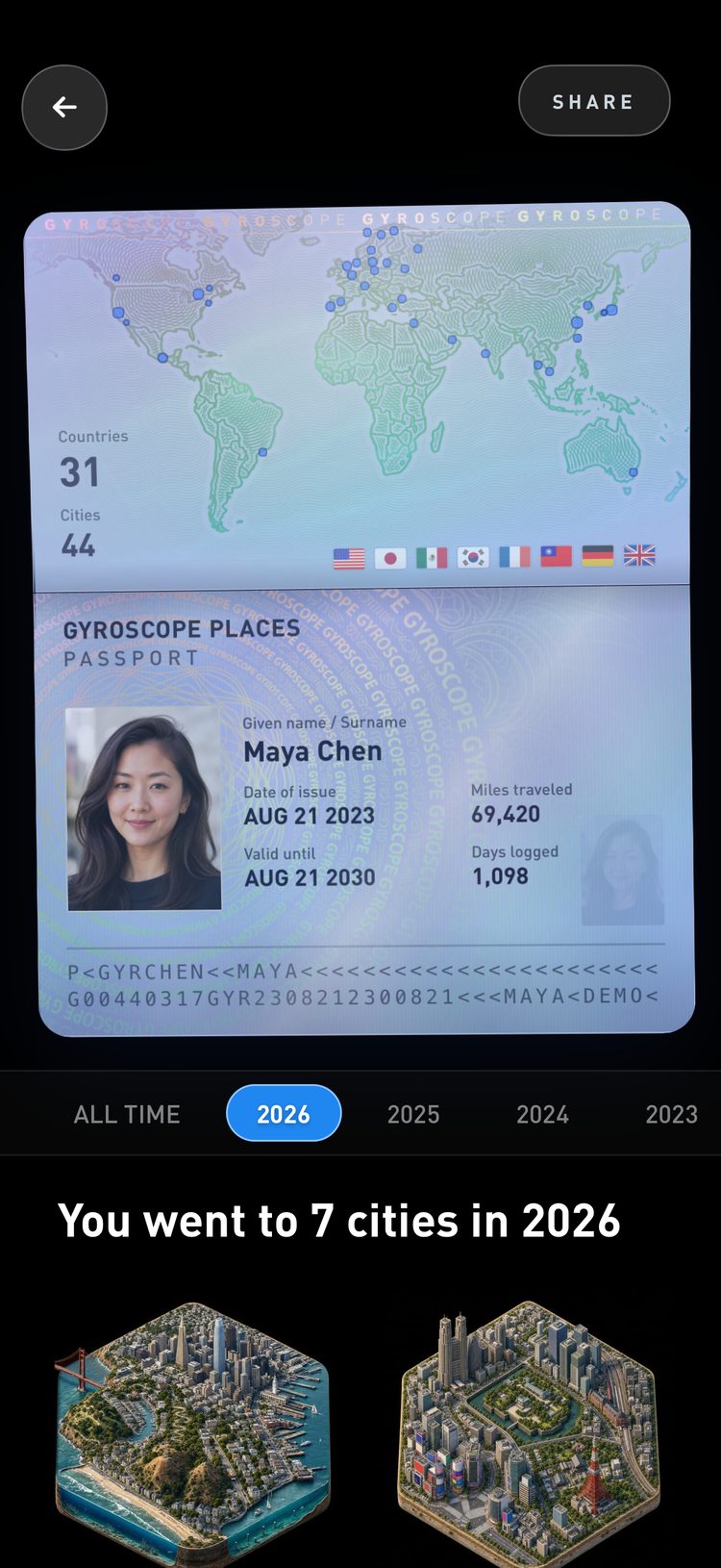
Across five studies, talking about yourself activated the brain's reward system, and in one experiment 37 people gave up an average of 17% of their potential earnings to answer questions about themselves. (Tamir and Mitchell, PNAS, 2012). Sharing where you have been is rewarding, so it is worth a moment to check what each card shows before you post it.
What a card shows
A card is an image of exactly what you see in the preview. Places saves it as a plain picture with no hidden location data attached, so the only information it carries is what is drawn on it. Every card also includes a small gyrosco.pe link with your username, which tells anyone who sees it whose account it came from.
The names of your places travel with the card too. “Home” tells people far less than a street address, which is one more reason to give private places simple names. The identifying guide has ideas for naming them.
Cards that show where you live
The cards most worth a second look are the ones that show where you live. A map of your neighborhood, a day that starts and ends at home, or a list of your top places can point to your home and your workplace. For a public post, a city, a trip or your passport shows where you have been without pointing to your front door.
Using US census commuting data, knowing only where someone lives and works narrowed them down to a median of one person when both places were known to the census block, roughly a city block, and 21 people at the neighborhood-sized census tract. (Golle and Partridge, Pervasive Computing, 2009). A card that shows both your home and your office can point to you specifically, so keep those for people you know.
Share when you get back
A card posted while you are still out tells people where you are right now. A card posted after the trip tells the whole story, with every city and every mile. When in doubt, share it once you are home.
Across three field and six lab experiments, taking photos raised people's enjoyment of positive experiences by keeping them more engaged, unless the camera got in the way of the activity. (Diehl et al., Journal of Personality and Social Psychology, 2016). Take the photos during the trip and post the finished card afterward, when it can show all of it.
Links
Copy link, X and email upload the card image and give you a link to it. Anyone with the link can see that one image, and only that image. It does not open your timeline, your map or your account.
To keep a card out of public view, use Save to put it in your Photos, or send it to someone in Messages. Once a card is posted publicly, copies can outlast your account, so treat a public card as permanent.