
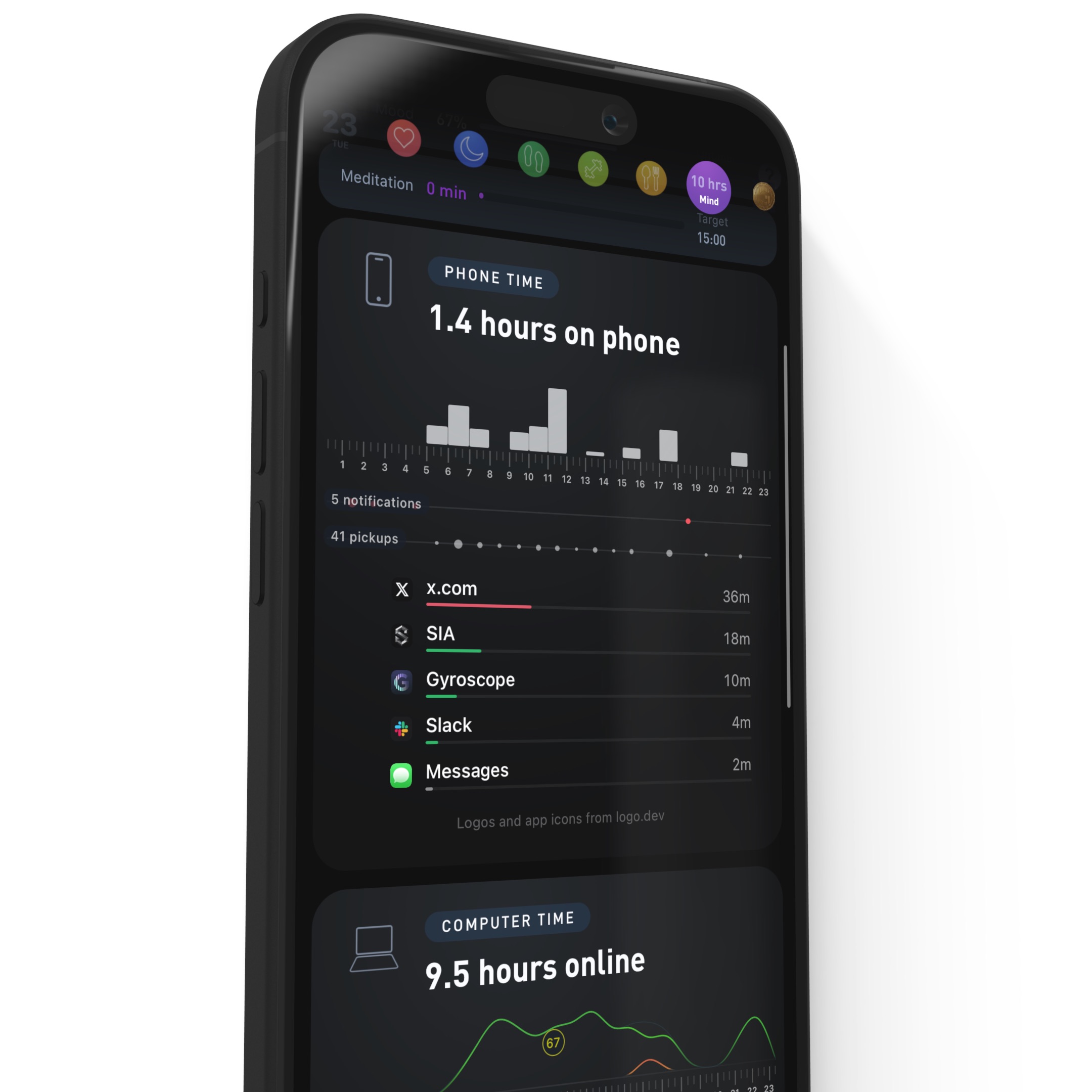
Phone Time is now open to every Gyroscope member. Starting with V10.11, yesterday's hours on the phone, the hour-by-hour pattern, pickups, notifications and minutes per app all land in the same morning briefing as your sleep, steps and mood.
Until this version, Phone Time was limited to Max members and beta testers. That means most of you have never tried it. If you only turn on one new tracker this year, we think it should be this one, and this post is about why.
The biggest number you are not tracking
Most people wear a watch that counts every step and every heartbeat, and have no idea how many hours went to their phone yesterday. Ask them and the guess comes in low, often by half. The average adult is on the phone close to five hours a day, which makes it the third largest thing in the day after work and sleep.
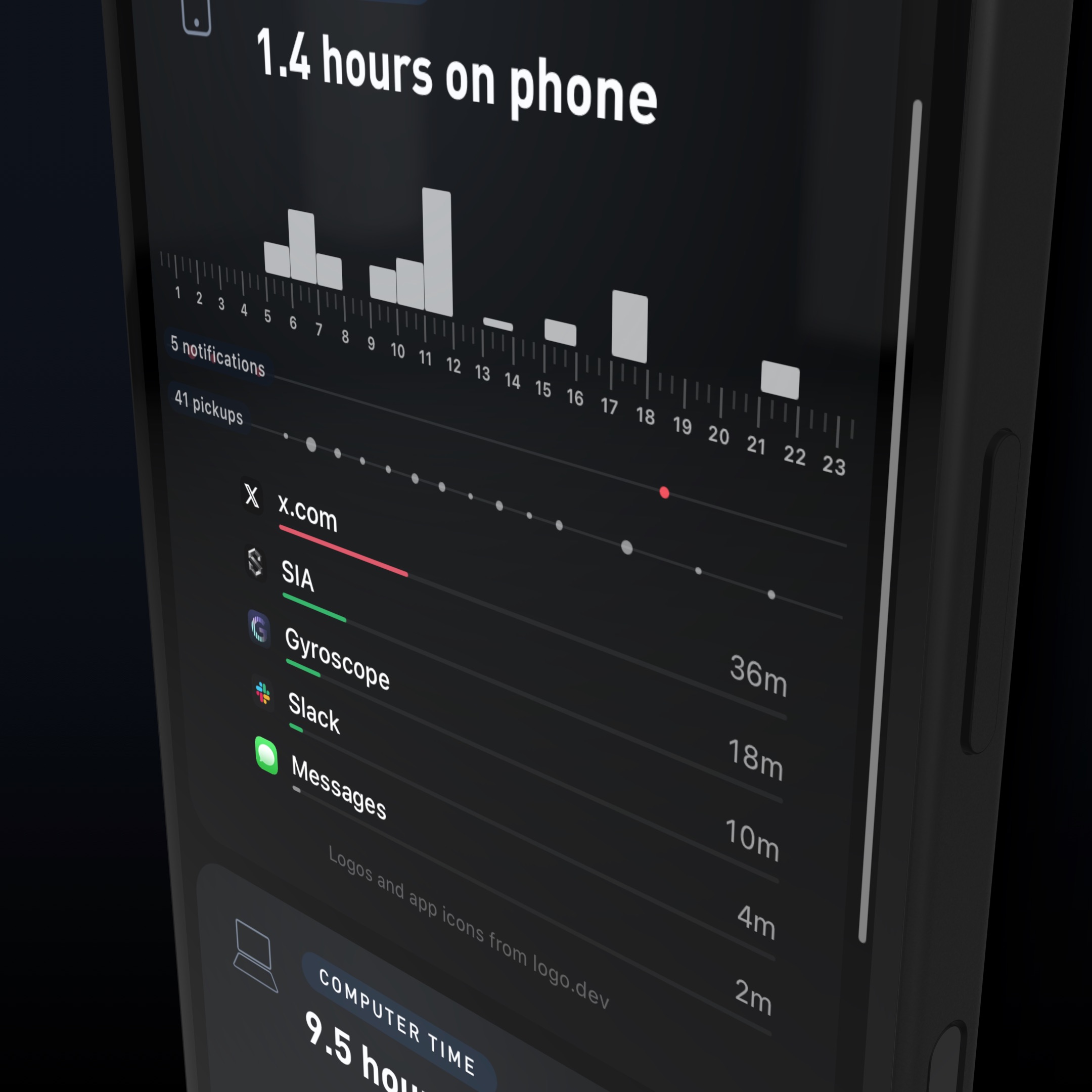
Phone Time shows when you used the phone, not just how long. Five minutes of maps, a long call with family and an hour in a social feed are not the same thing, so the report keeps the per-app breakdown right next to the total, with the hourly chart above it so you can see exactly which part of the day it came from.
A phone sitting on the desk, face down and silent, measurably reduced working memory and attention compared with leaving it in another room. (Ward et al., Journal of the Association for Consumer Research, 2017). The cost of the phone is not only the hours on it, which is why pickups and notifications are on the card too.
Why the total is hard to feel
Phone time arrives in fragments. A notification here, a quick check there, one more refresh before bed. Each moment feels like nothing. Fifty of them are two hours, and three hours a day is about 45 full days a year.
The fragments cost more than their own length, because each one breaks whatever you were doing before it.
After an interruption, it took people about 23 minutes to get back to the original task. (Mark, Gudith and Klocke, CHI, 2008). Compare phone pickups with your longest uninterrupted periods of work.
The hour before bed
That is usually where the phone wins, and the bill arrives the next morning. Because Phone Time sits in the same briefing as your Sleep Score, the late-night apps and last night's sleep are on one screen, and your coach can tell you which apps are upstream of your bad nights.
Phone use after lights-out was linked to later bedtimes, shorter sleep, worse sleep quality and more daytime fatigue. (Exelmans and Van den Bulck, Social Science and Medicine, 2016). The hourly chart makes it obvious whether your phone day ends at 10pm or at 1am.
Import it with one tap
Apple requires your permission to import Screen Time. From the morning briefing or yesterday's Mind tab, tap Import your phone time. You will see a private preview first: the total, the timeline, every app. Save it to your account, or close it without keeping anything.
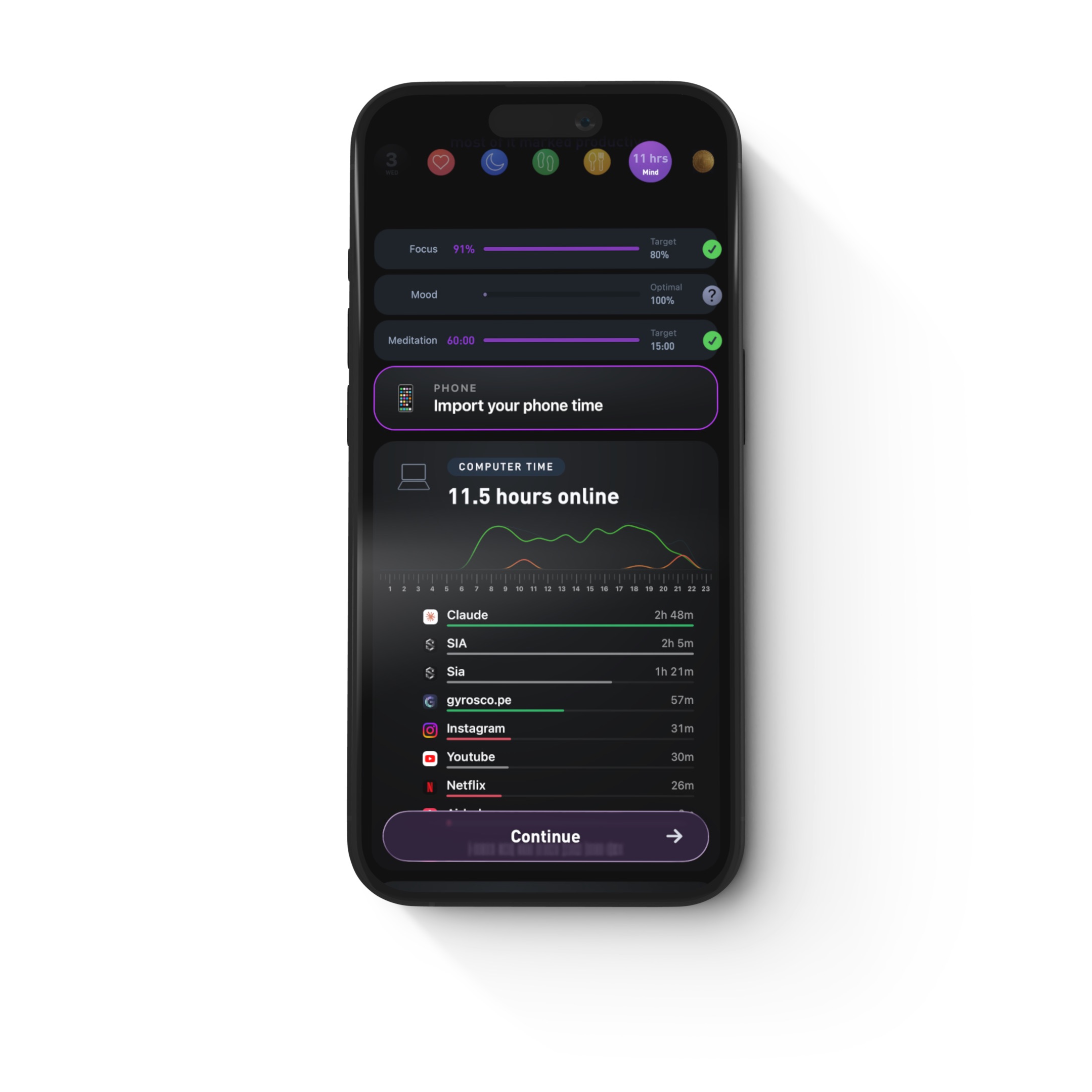
After saving, you can make an app’s usage into a Trend on the app or web. The Weekly Review combines phone and computer time, and the monthly report shows the longer history. You can also discuss these numbers with your coach alongside sleep, mood, movement and food.
Looking is most of the fix
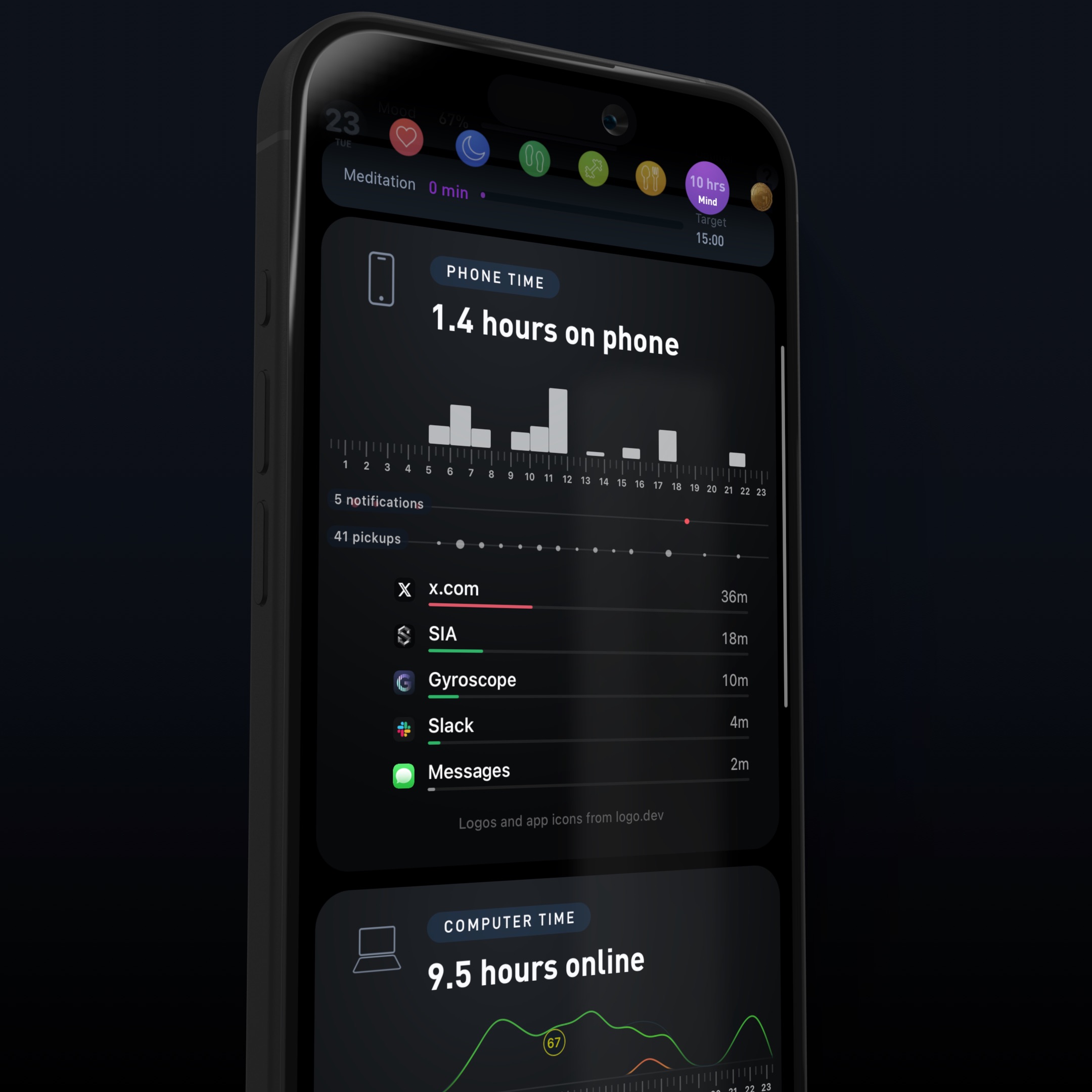
The tracker is not there to shame you. Plenty of screen time is work, maps, and talking to people you love. The point is to know which hours were yours and which ones the feed took, and then to run one small experiment rather than a broad digital detox.
Limiting social media to 30 minutes a day for three weeks significantly reduced loneliness and depression. (Hunt et al., Journal of Social and Clinical Psychology, 2018). Choose one app and a daily limit, then compare actual usage with that limit over a week.
Pick one change for a week, then compare the week with the one before it. Charge the phone outside the bedroom and watch your bedtime and Sleep Score. Leave it in another room for one important work block and watch pickups for those hours. Or put a limit on whichever app tops your list and give that block to a walk, training or cooking.
Set it up tomorrow morning
Update to the latest version of Gyroscope, open your morning briefing, and tap Import your phone time. It is included in every membership now. After a week, open Mind to see the average, the apps behind it, and what your experiment changed.